Let your community influence your live games. Once the integration is enabled, a poll is triggered each turn to shape the course of the game.
Once enabled, a random event is triggered each turn. Here's what can happen:
No poll is launched this turn. The game continues normally.
A Twitch poll is launched to decide whether a future event appears in the game.
A Twitch poll is launched to choose the merchant's next stock.
If multiple streamers are live in the same game, votes are combined. In case of a tie, the choice is made randomly. Non-streamer players can disable their account to be excluded from the vote.
In the game's Options menu, go to the Accessibility → Stream section. You'll find a unique connection code tied to your current session.
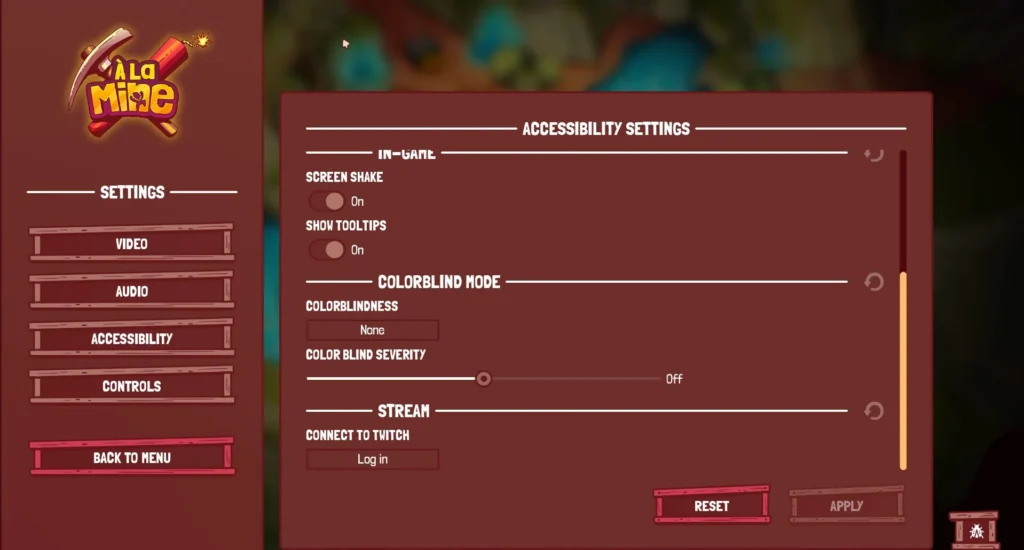
Copy the code shown on screen. This code is temporary, unique to each game launch and cannot be reused.
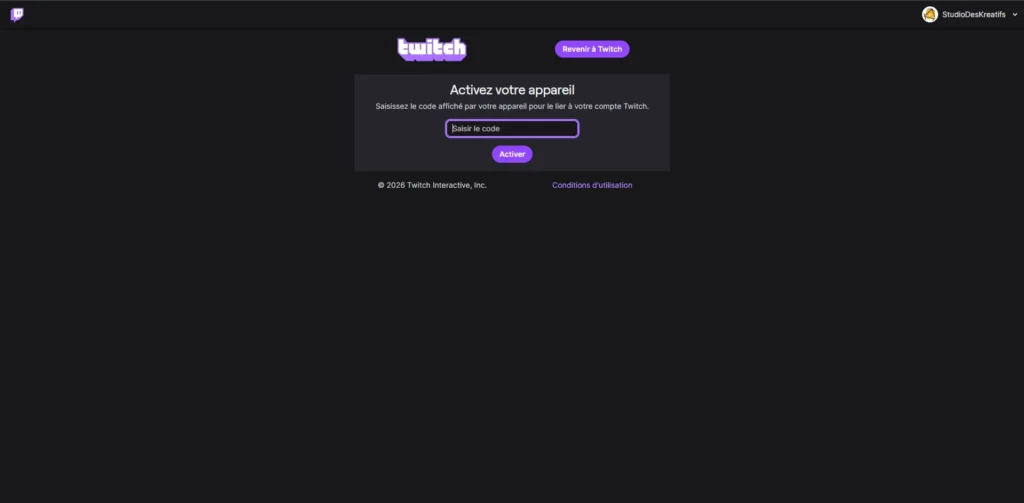
Paste the code into the web page that opened automatically, then confirm. Your Twitch account is then linked to the game session.
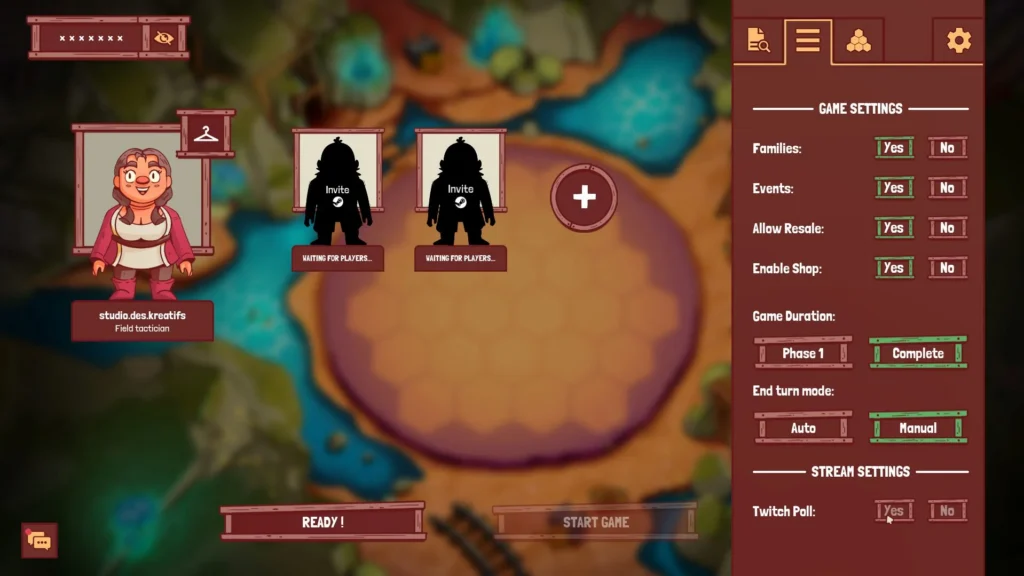
When creating the lobby, enable the Twitch option in the game settings. The integration will only work if at least one connected streamer is live.
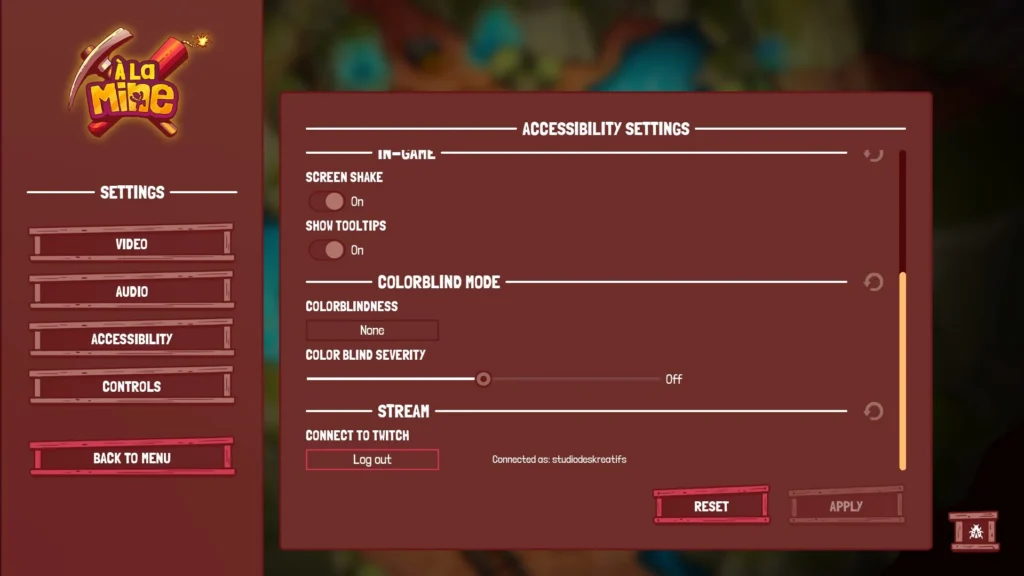
If your Twitch account is disconnected during a game, polls will no longer be sent. Reconnect from the Options → Stream menu to restore the integration without leaving the game.
Head back to the game page to launch it on Steam or learn more about À la Mine.